Free AI WorkspaceIn Your Browser
Remove backgrounds, make ID photos, OCR, compress images and transcribe audio — all free, unlimited, and no sign-up. Powered by WebGPU, right in your browser.
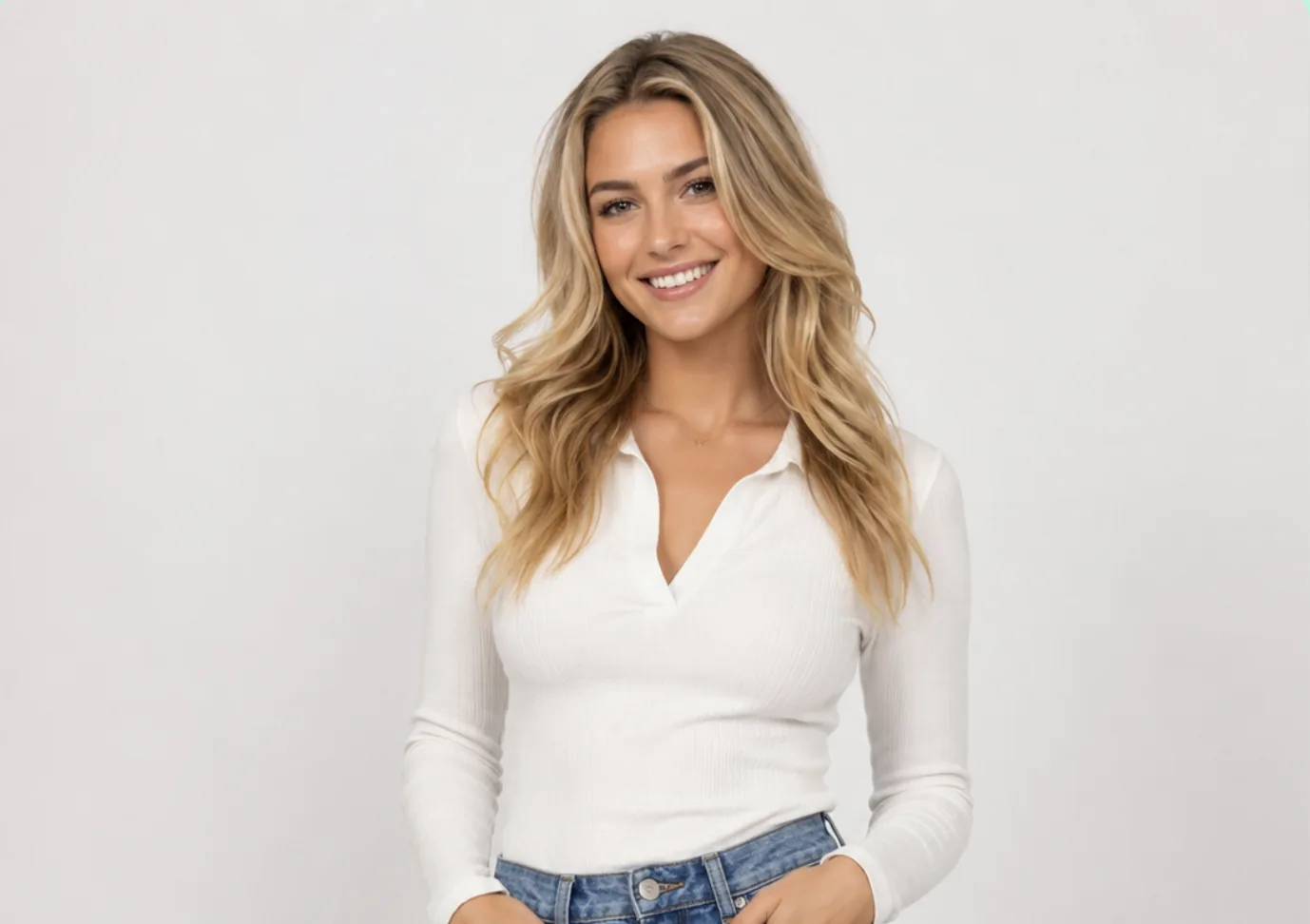

← Drag the slider to compare →
Free AI tools,
not a limited trial
Every tool is free, unlimited, and no watermark. No sign-up, no per-image fee, no subscription. AI runs on your device — that's why it's free.
Free Background Remover
Remove backgrounds from product photos, portraits and listings — free, unlimited, no watermark. One click, instant cutout.
Unlimited, no watermark
Free ID Photo Maker
Make compliant ID photos — 1-inch, 2-inch, passport, visa, all standard sizes. Free, swap backgrounds, export unlimited.


All sizes, free export
Free Image Compressor
Compress photos, screenshots and scans right in your browser — free, no uploads. Control size, format and quality to shrink files.
No upload, batch-ready
Free OCR Text Extractor
Extract text from images, screenshots, invoices and docs — free, unlimited, multi-language. Copy text straight from any picture.
Invoice #2026-0742
Date: 2026-07-07
Total: $1,280.00
Unlimited, multi-language
Free Audio Transcription
Transcribe meetings, lectures and voice notes to text — free, no length limits. Export SRT/VTT subtitles or plain text.
Let's start with the Q3 roadmap...
I'll handle the design assets.
No length limit, free
Free Batch Convert to WebP
Convert JPG and PNG images to smaller WebP format — free, unlimited, all done locally in your browser. Images never uploaded.
No upload, batch supported
Free Audio Denoiser
AI removes background noise (wind, AC, keyboard) from recordings, outputting clean WAV/MP3 — free, unlimited, audio never uploaded.
No upload, private
Free AI Object Eraser
AI erases people, watermarks, sensitive info from photos and fills the background — free, fully local, photos never uploaded.
No upload, private
Everything you need to process — free
ID photos, portraits, product shots, invoices, recordings — process them all for free, right in your browser. And because AI runs locally, nothing gets uploaded.
ID photos
Make standard ID photos for onboarding, visas and applications — free, all sizes, unlimited exports.
Portraits & headshots
Remove backgrounds from portraits and headshots — free, no watermark, unlimited images.
Product images
Clean product cutouts for e-commerce listings — free, no per-SKU fee, no monthly cap.
Invoices & receipts
Extract text from invoices and receipts with OCR — free, unlimited, multi-language.
Screenshots & scans
Compress screenshots and scans, or extract text from them — free, no upload, all local.
Audio recordings
Transcribe meetings, lectures and voice notes to text — free, no length limits.
Built for anyone who wants it done — for free
Sellers, creators, designers, students, and marketers use PrivaKit to get work done without subscriptions, per-image fees, or sign-ups.
E-commerce sellers
Clean product cutouts for listings. No per-SKU fee, no monthly cap — remove backgrounds and compress images for free.
Try it freeCreators & influencers
Profile pictures, thumbnails and social posts in seconds. Free, unlimited, no watermark.
Try it freeDesigners
Drop clean transparent PNGs straight into Figma or Photoshop. Free background removal, no sign-up.
Try it freeStudents
Free for presentations, posters and coursework. OCR, compress and transcribe — forever free.
Try it freeMarketers
Spin up ad creatives and campaign assets without a subscription. Free, unlimited, no watermark.
Try it freeHow it works
PrivaKit runs AI directly on your device with WebGPU — download the model once, run inference locally, export the result. No servers, no uploads, no fees.
Download model files once
The browser fetches the required model package, usually around 30MB to 100MB depending on the tool, then caches it locally for future runs.
Run inference on your device
Your browser uses local compute paths such as WebGPU where available. AI runs on your device — that's why it's free, and why nothing gets uploaded.
Export the result
Download the cleaned image, extracted text, or transcript you need. No sign-up, no watermark, no limits.
Free forever, because there's no server to pay for
When AI runs on your own device, there's no GPU server bill to pass on to you. That's why PrivaKit stays free — and why your files never leave your browser.
Free is a feature, not a trial.